
Wasabi Wallet Ledger Integration Guide
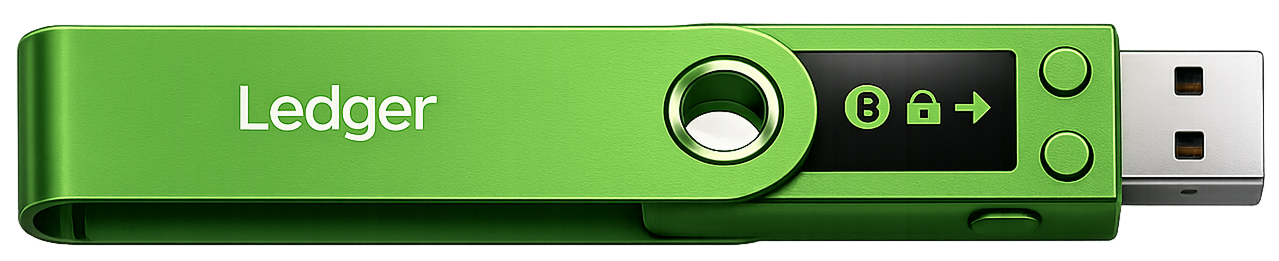
The Ledger hardware wallet is one of the most reliable crypto wallets for protecting private keys in the world. But using it with its native Ledger Live application completely strips you of your financial anonymity.
When you launch Ledger Live, the software sends your public keys (xpub), balance history, and real IP address to the company’s centralized servers. This means that Ledger knows about all your transactions and can easily link them to your physical location.
The combination of a cold wallet ledger and Wasabi Wallet solves this problem. The device physically protects your keys, while Wasabi Wallet ensures anonymity. All your traffic is masked through Tor, and your coins can be easily mixed using CoinJoin.
Why Use Wasabi Wallet Instead of Ledger Live?
Whichever model you choose when you decide to buy a ledger for long-term Bitcoin storage, the default software will completely strip you of your privacy. Switching to Wasabi Wallet gives you three key advantages:
Hide Your Balance
Wasabi Wallet does not use central servers to verify your funds. The wallet downloads encrypted block filters and checks the balance locally on your computer. No one – not even the Wasabi Wallet developers – will know how much crypto is in your wallet.
Direct Hardware CoinJoin
You can mix your bitcoins without putting them at risk. Your ledger crypto wallet itself signs the mixing transactions. Private keys are never transferred to the computer, and the coins on the blockchain lose their connection to your identity via CoinJoin.
Full UTXO Control
Unlike Ledger Live, which merges all your coins into one general balance, Wasabi Wallet shows each received transaction separately. You choose exactly which coin to send, avoiding accidental disclosure of your past transactions.
Step-by-Step Guide: Connecting Ledger to Wasabi Wallet
The integration process takes no more than two minutes. You do not need to enter your seed phrase on the computer – Wasabi Wallet will only get the public keys to display the balance.
Step 1: Preparing Your Hardware Wallet
1
Connect your Ledger (Nano S Plus or Nano X) to your computer using a USB cable and enter your PIN code to unlock the device.
2
Find the Bitcoin app on the wallet screen and open it (press both buttons simultaneously). The screen should display the message “Application is ready”.
Step 2: Connecting in the Wasabi Wallet Interface
1
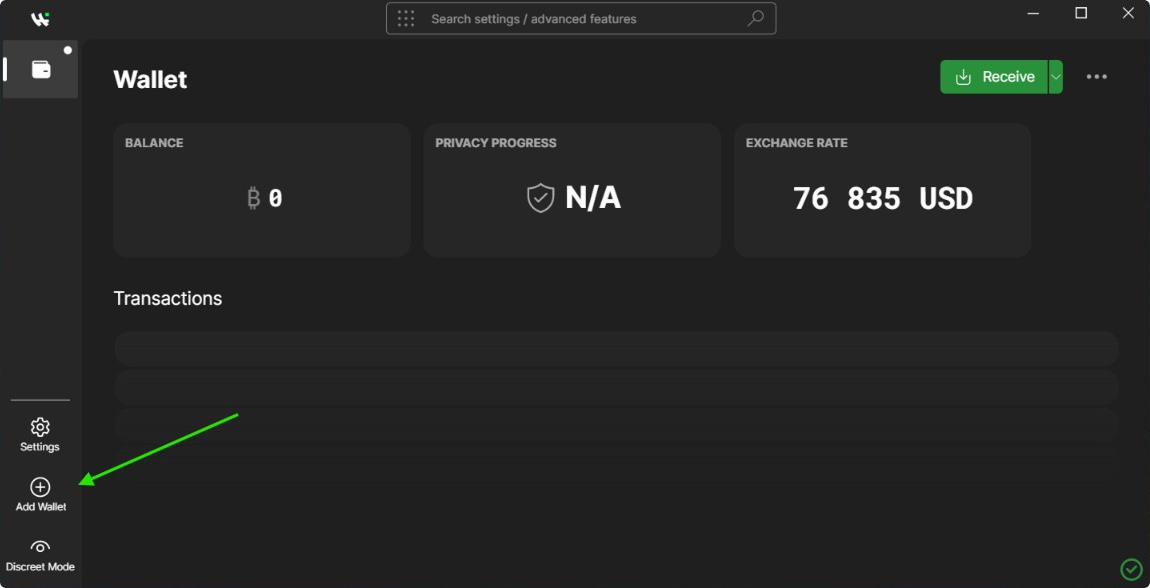
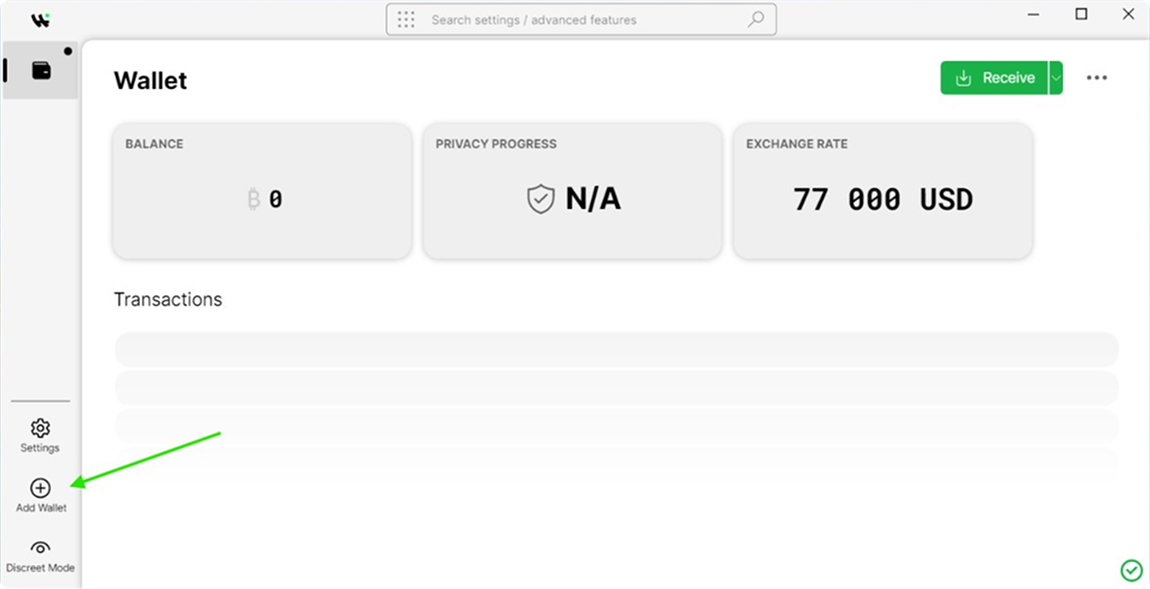
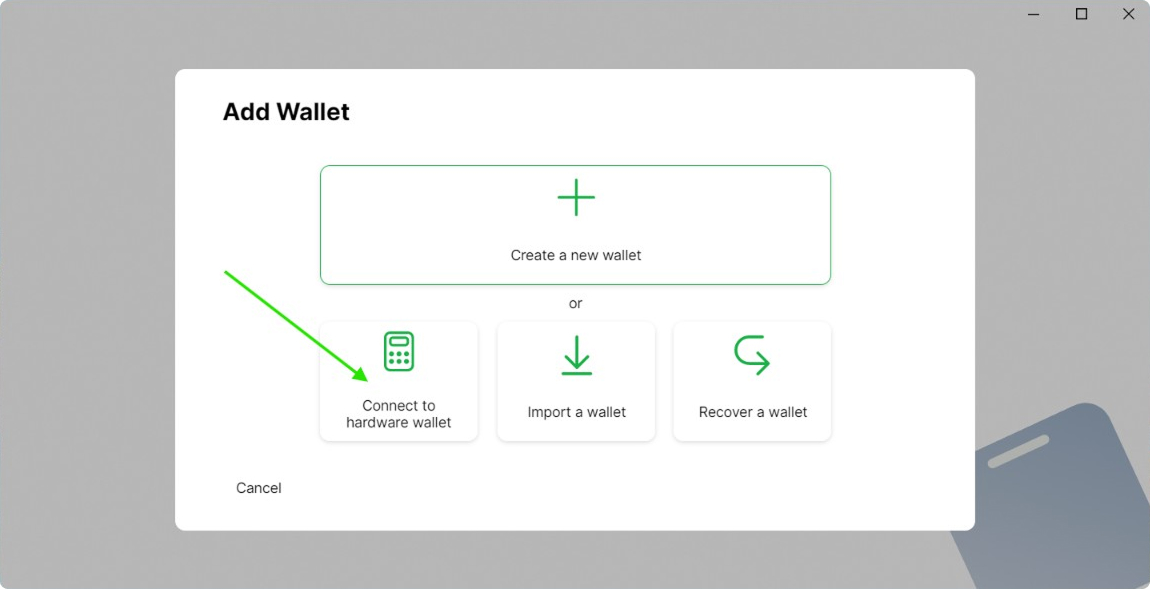
Launch Wasabi Wallet. In the main menu, click the Add Wallet button.
2
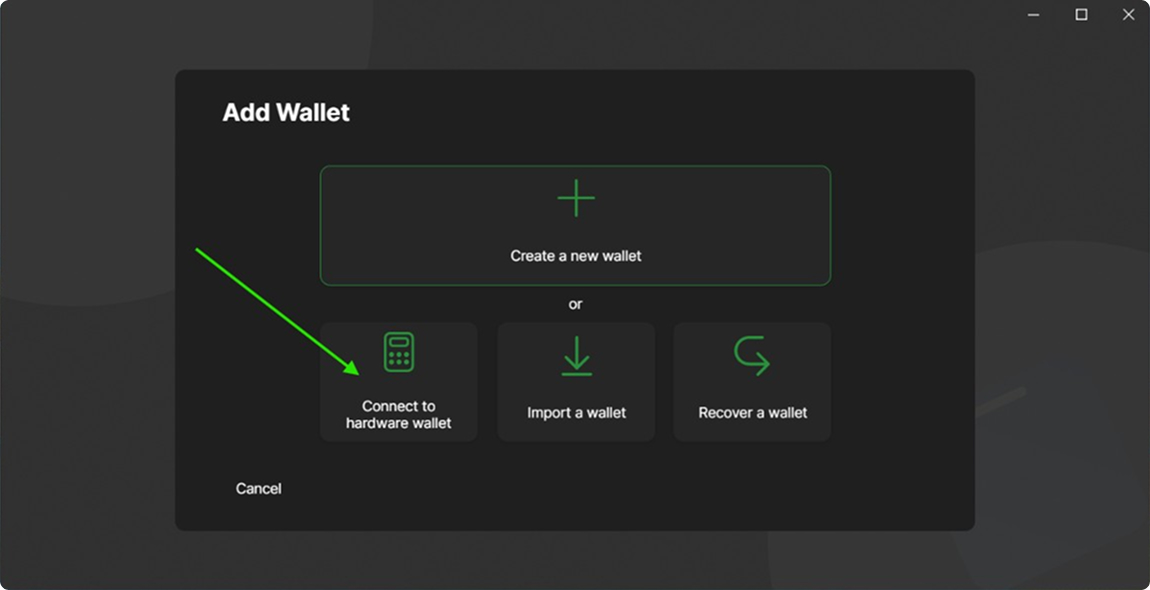
Select the Connect to Hardware Wallet option.
3
Wasabi Wallet will automatically start searching via the open HWI interface. Once the wallet detects your Ledger, set a name for the wallet and click Finish.
After these steps, Wasabi Wallet will download your transaction history via Tor. You can safely send, receive, and do CoinJoin for your bitcoins.